Runtime
Confirm Node and npx availability, package policy, supported agent environment, and whether the first run should occur in a sandbox. Inspect terminal prompts before allowing changes.
Install documentation
No sales form is required. The primary action is copying the installer after reviewing the package and data path.
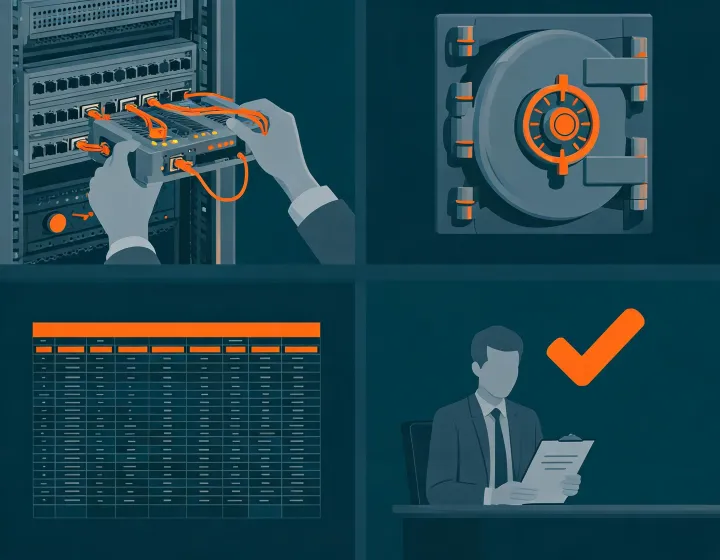
Confirm Node and npx availability, package policy, supported agent environment, and whether the first run should occur in a sandbox. Inspect terminal prompts before allowing changes.
Use the runtime secret store for provider keys. Grant narrow scopes, keep credentials out of prompts and exports, and document rotation and revocation.
Use a small, authorized, labeled business-email set. Include known valid, invalid, catch-all, role, and uncertain examples; do not begin with a production send list.
After installation, distinguish four states: copied means the command reached your clipboard; run means the installer executed; configured means approved connectors can be accessed; first result means a reviewable sample returned. None of these states guarantees delivery, replies, compliance, or pipeline. Review source context and uncertainty before export, then keep sending under human control.
Define acceptance criteria before the test. Record whether each address was found or inferred, which provider produced each signal, when the check ran, and why a reviewer approved or rejected the record. Include deliberately difficult examples such as anonymous visitor records and privacy-protected mail systems so unknown states are evaluated rather than hidden.
Compare technical states with observed outcomes only after an authorized send. Track list age, sender domain, authentication, segment, volume, and false-positive results separately. A low bounce rate in one controlled sample does not establish permanent accuracy across every market or provider.
To update or remove the skill, follow current package-manager and agent-runtime documentation. Revoking credentials is a separate action. Map any result retained in logs, files, CRM, engagement tools, or provider systems, then exercise correction, suppression, and deletion procedures before production deployment.
This action copies text only and does not execute software.
npx -y @okki-global/okki-go-taroball