Sales intelligence research
Okki Go Workflow for RevOps: A Cost Controller’s Take on AI SDR, Intent Data Providers, and Sales Navigator Scrapers
2026-09-07 · Jane Smith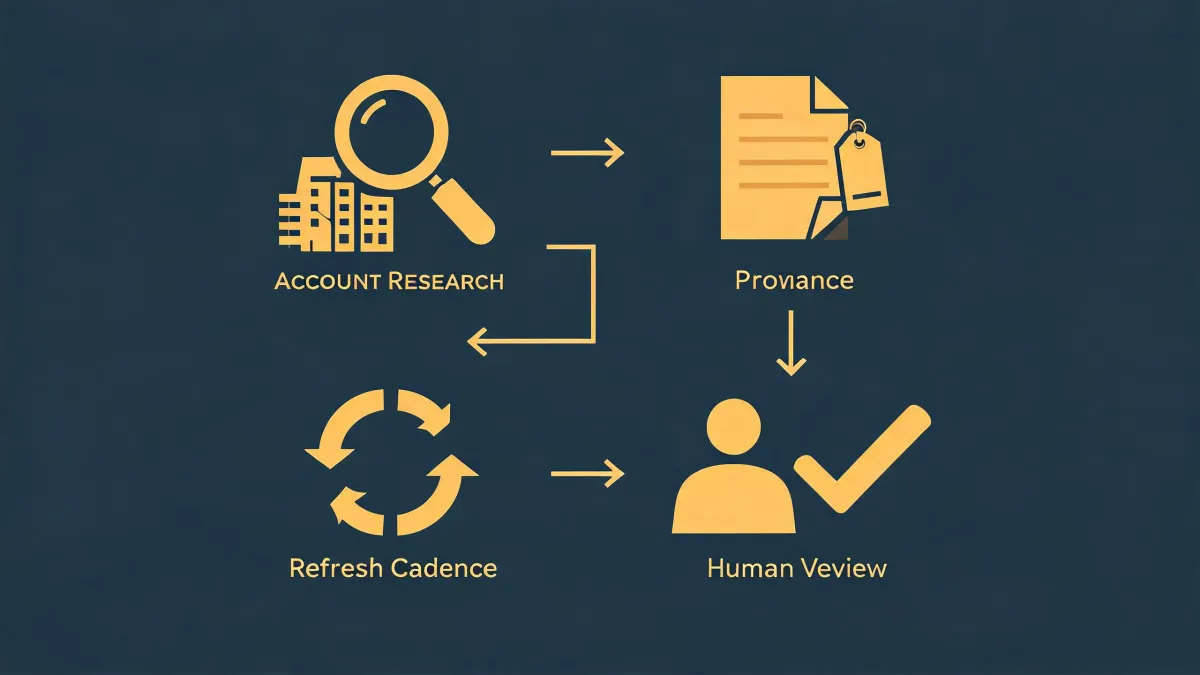
-
How Does Okki Go Work? A Cost Controller Looks Past the Demo
-
The Hidden Cost of a Best-in-Class Point Stack
-
Intent Data Providers: I Do Not Buy Signals. I Buy Context.
-
What Is a Sales Navigator Scraper and When Should a B2B Sales Team Use It?
-
What About the All-in-One Objection?
-
Bottom Line: Buy the Workflow, Not the Label
I sign the contracts for sales technology at a 140-person B2B services company. That makes me the person who gets called when an SDR team asks for one more tool, and the person who pushes back when the renewal goes up 30%. After six years of tracking vendor spend, I can tell you where outbound budgets really disappear: not in the tool price, but in the manual work that happens between tools.
When I first evaluated okki-go, I was skeptical. I have seen too many AI SDR demos that solve messaging and ignore data quality. But after looking at the workflow, not just the pitch, I formed a clear opinion: the Okki Go workflow for RevOps is not about replacing your SDR team. It is about replacing the glue work between list building, enrichment, intent data, and cold email automation. If your team is currently gluing together four point tools with spreadsheets, that is where the money leaks.
How Does Okki Go Work? A Cost Controller Looks Past the Demo
When someone asks how does okki go work, they are often asking whether this is another AI that drafts emails and prays. I look for the workflow underneath. Here is the version I would explain to a CFO:
- Start with a real target list. Okki Go uses your ICP, CRM whitespace, and LinkedIn Sales Navigator as inputs. If you don't have a defined list, no agent will fix that.
- Find contacts with context. The platform pulls prospect profiles and research signals from LinkedIn and other sources. This stage does what a Sales Navigator scraper does, but inside the same workflow.
- Run waterfall enrichment. Okki Go checks a primary enrichment provider. If there is no valid email or matching company, it tries secondary providers before giving you an answer. That lowers the risk of stale contacts.
- Layer in intent data. It brings account-level research activity from intent data providers into the workflow before an SDR touches the lead.
- Keep humans in the loop. The AI drafts sequences and replies, and a person reviews before anything goes out through cold email automation. You can stop a bad message before it damages your domain.
That last point is non-negotiable for me. I have approved tools that sent too fast and tools that sent too slow. The ones that worked gave the SDR team a chance to apply judgment.
The Hidden Cost of a Best-in-Class Point Stack
Let me make the cost argument concrete. In Q2 2024, I audited a five-person SDR team that was using four tools: a Sales Navigator scraper, an enrichment database, an email verification service, and a cold email automation platform. The monthly subscriptions totaled about $2,050. That did not look crazy to their VP.
Then I added the hidden cost. A RevOps person spent roughly ten hours each week exporting lists, deduplicating contacts, checking bounced emails, and moving leads between tools. At a loaded cost of $65 an hour, that came to about $2,800 a month. The real cost of that stack was close to $4,850 a month, before a single qualified reply was counted. And the more the team grew, the more that glue cost grew.
I still kick myself for not seeing that pattern sooner in my career. If I had asked who would maintain the integrations, the answer should have been in the budget. Does okki-go automatically remove every one of those hours? No. You still need a clean ICP, good messaging, and a person to review. But because the workflow removes the manual data handoff, it removes most of the expensive glue. That is the total cost argument I rarely see in sales tech reviews.
Intent Data Providers: I Do Not Buy Signals. I Buy Context.
Let me define intent data providers in plain terms. They track when an account starts researching something that suggests a purchase: visiting competitor pages, downloading certain content, or searching for a common category of problem. That can be useful for prioritization. What most people don't realize is how much context is required. A spike in activity might come from one intern researching a school project. It might also come from your own competitor, not a future customer.
So when I evaluate intent data providers inside an Okki Go workflow, I ask which sources are covered, how often data refreshes, and whether the provider can match a signal to an actual account. If intent cannot affect who you contact or what you say, it's noise. If it can, it makes your first email more relevant without feeling like a cheap trick.
What Is a Sales Navigator Scraper and When Should a B2B Sales Team Use It?
A Sales Navigator scraper is a tool that exports search results from LinkedIn Sales Navigator to a spreadsheet, CSV, or CRM. A team uses it to build a target list based on job title, industry, company size, and geography. I use the phrase list-building input, not lead generation system.
When should a B2B sales team use it? Use one if you have a narrow, well-defined ICP and an operations person who can handle the output. Scraping gives you names and profile URLs. It does not give you verified emails, reliable company data, or a reason to write a personalized email. You still need enrichment and verification. You still need a sequence process. And if the export has to be manually imported into two more systems, you have just created the exact glue cost I described.
Here is something vendors won't tell you: the cheapest way to get a list is not always the least expensive way to run outbound. A $99 scraper can feel like a deal until someone spends eight hours cleaning the file. And if the tool ignores the platform's terms of service, the cost is not measured in dollars; it is measured in lost access to your team's primary data source. Check the terms before you buy, not after.
If your team already uses Okki Go and LinkedIn Sales Navigator is one of its inputs, you might not need a separate scraper at all. But if you keep Sales Navigator because your SDRs live there, okki-go can work with it. The question is not which tool is cooler. The question is whether the contact data moves into your outreach flow without a manual export in the middle.
What About the All-in-One Objection?
I hear the objection all the time: best-of-breed always beats all-in-one. I agree that a dedicated Sales Navigator scraper might offer more advanced filters, and a dedicated intent data provider might have a larger dataset. But those features do not matter if they are trapped in separate systems. Sales tech ROI is not about the number of features in a platform. It is about the number of qualified conversations your team can actually run.
This is also why I do not view manual or in-house prospecting as inferior. For a team sending 200 personalized emails a month, manual prospecting with a clean spreadsheet may be the smartest option. You learn the market before you automate it. The okki-go conversation only starts to make sense when volume, data freshness, and follow-up complexity exceed what a human can manage reliably.
If you are considering an Okki Go workflow for RevOps, I would put it on a 30-day trial, but only for one sales segment. Track every reply and every meeting booked. Compare that to your current stack, including the ten hours of glue work. That is the only comparison that matters.
Bottom Line: Buy the Workflow, Not the Label
I approve the budget. I do not approve purchases based on promises. But I do approve purchases that remove hidden labor from a sales process.
The Okki Go workflow for RevOps makes sense to me because it attacks the most expensive part of outbound: the time between finding a lead and sending a thoughtful first touch. It combines Sales Navigator sourcing, enrichment, intent data, and cold email automation into one process with a human approval point. That's not magic. That is workflow design.
If you are still asking what is a Sales Navigator scraper and whether it should be part of your stack, start with your process. If the process is fragmented, no list of tools will save you. I would rather buy fewer tools with an integrated workflow than pay for glue forever.

Jane Smith
I’m Jane Smith, a senior content writer with over 15 years of experience in the packaging and printing industry. I specialize in writing about the latest trends, technologies, and best practices in packaging design, sustainability, and printing techniques. My goal is to help businesses understand complex printing processes and design solutions that enhance both product packaging and brand visibility.